
He watches the deadlines
A return window closing this week? He knows. A reminder lands a week before and the day before, so the wrong-size towels actually go back.
New The Receipt Dojo
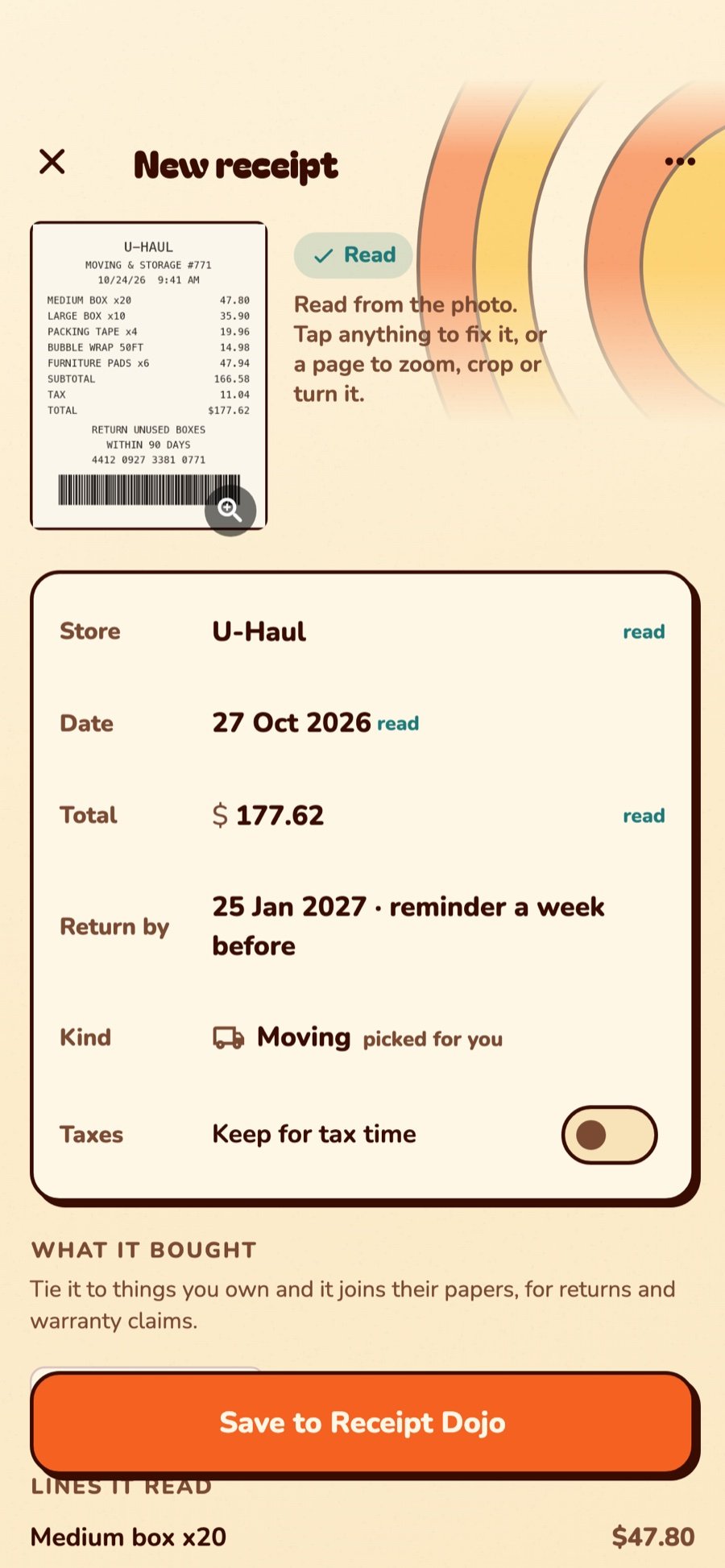
Somewhere in your car there’s a receipt for a drill. It’s been through the wash once. The Receipt Dojo ends that. Snap it, and StuffSensei reads the store, date, total and return deadline, ties it to the drill, which lives in the bin on the garage shelf, and taps you on the shoulder before the return window closes. There’s also a sensei. He has opinions.
Meet the sensei
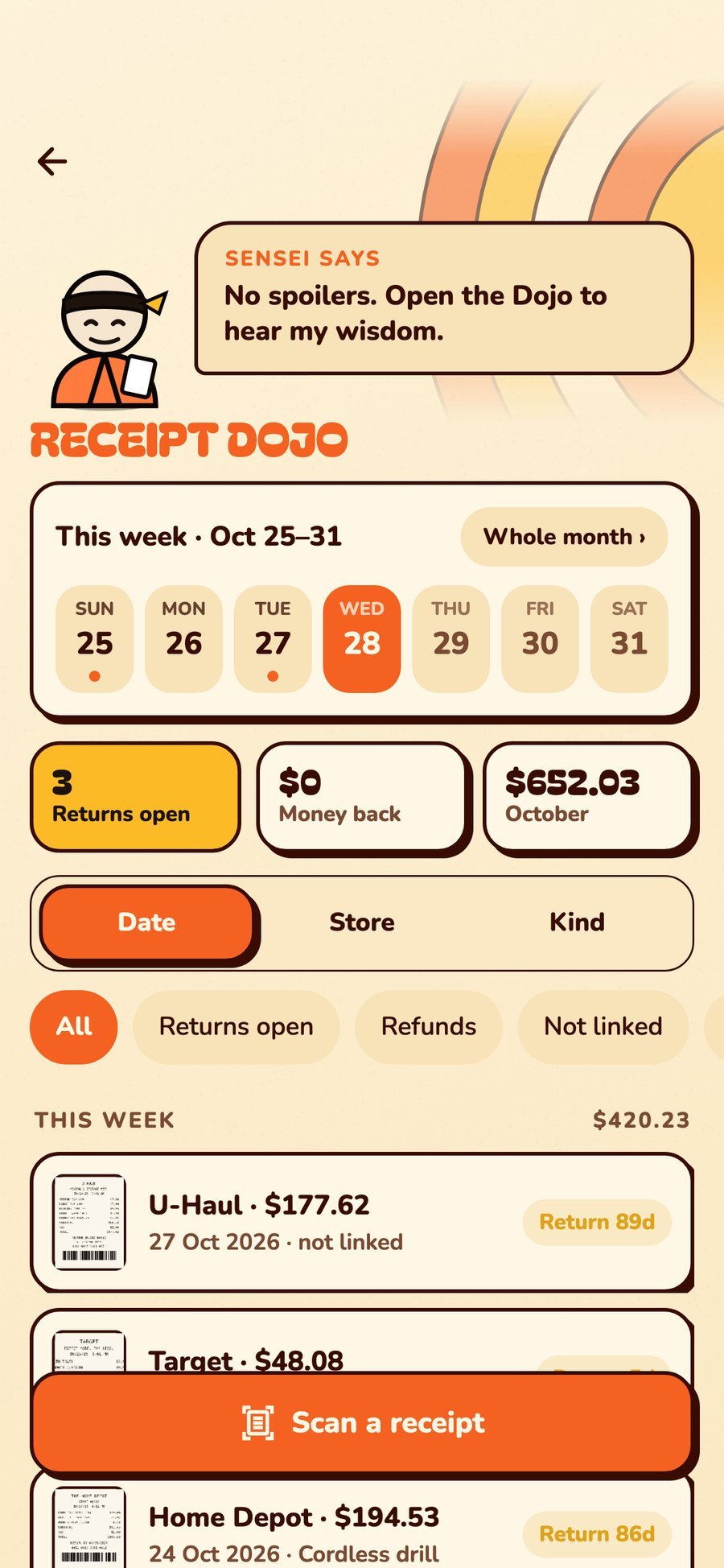
The sensei lives at the top of the Receipt Dojo. Every time you open it, he says something. Sometimes it’s wisdom. Sometimes it’s about your receipts. We could print his sayings here, but where’s the fun in that? Open the Dojo and find out.
A return window closing this week? He knows. A reminder lands a week before and the day before, so the wrong-size towels actually go back.
Returns open, money back and the month’s total, right under his nose. Every refund you log, he notices.
A different word each visit, picked at random. Some are wise. Some are a little rude. None of them are printed on this page.
Part of the house, not a pile beside it
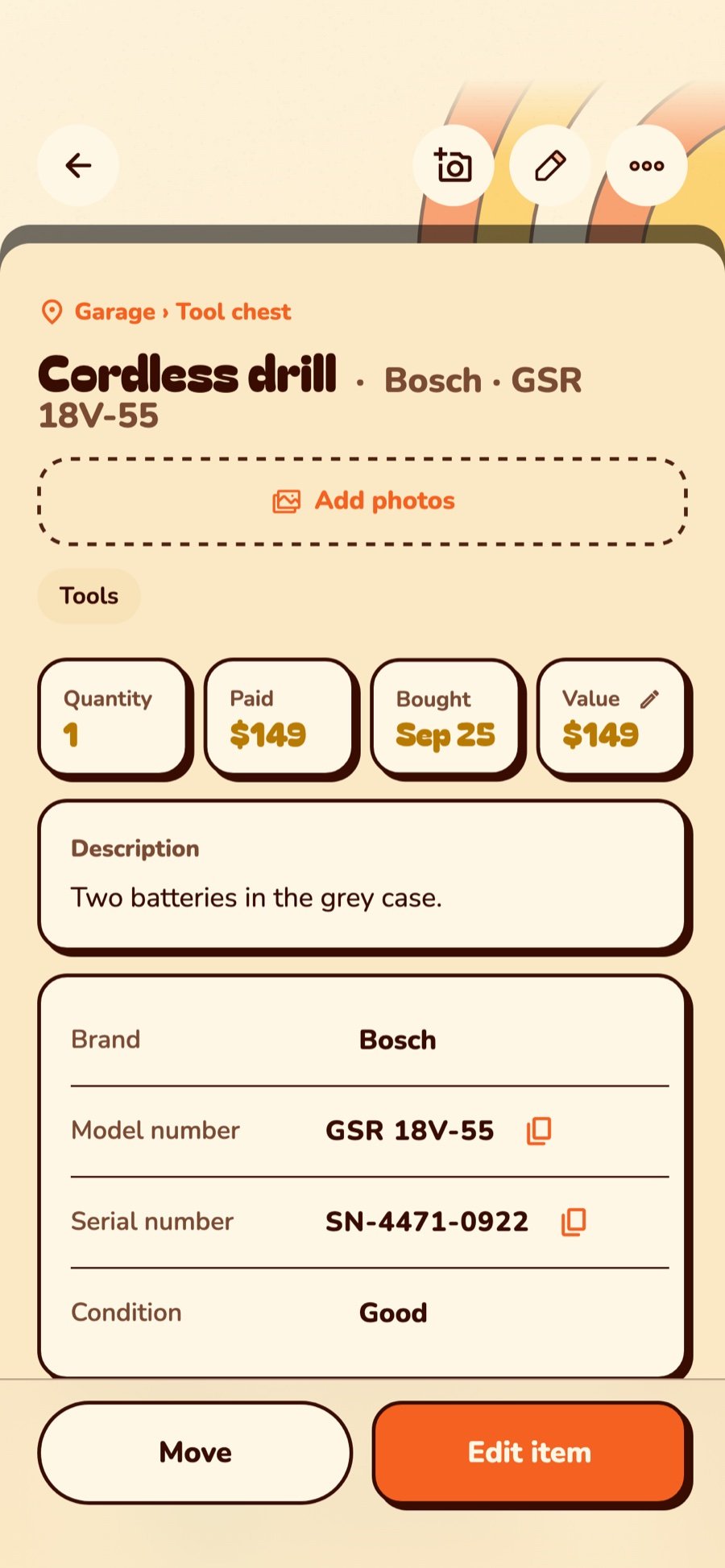
Other apps keep receipts in a drawer of their own. In StuffSensei a receipt knows what it bought, where that thing lives, and which bin it’s in.
Find anything in one move
An orange dot on every day you saved a receipt. A yellow one on the day a return window closes. Tap a day to see just its receipts, or open the whole month.
Around the house
Snap the truck rental, the tape and the 40 boxes. They all go on the Moving shelf. QR-label the boxes as bins and scan them onto the truck. The 12 boxes you didn’t use go back within the window, because the Dojo remembered.
The holiday bin: lights, the tree stand, the inflatable reindeer. Each item carries its receipt. When the reindeer springs a leak in December, the proof is one scan of the bin label away.
Water heater, faucet, smoke alarms. Receipts tied to the things in the unit, ticked Keep for tax time. In April, open the Tax filter and hand it over. Your accountant may weep with joy.
Scan a bin label, an item’s barcode or a receipt’s: StuffSensei works out which. A code it doesn’t know? Tap It’s a receipt at the bottom and snap it.
With Pro, receipts sync to everyone in the home. One person snaps the Costco run, the other finds it at the return desk.
Pinch to zoom on any line. Crop, turn or retake a page. Copy the details, any line or everything printed on it, straight into an expense report or a text. Pages are shrunk to save space, and if you like, a copy goes to your phone’s gallery. Receipts are read on the phone, never sent off to be read.
The Receipt Dojo is free, in every copy of StuffSensei. Open Items › Receipts, or hold the + and tap Scan a receipt. The sensei is waiting, and he’s very patient. Your return window isn’t.